








Logitech 910-004941
M170 Red Clamshell Mouse
A simple and portable wireless mouse in a vibrant red color, offering reliable connectivity and comfortable, ambidextrous design.
Overview :
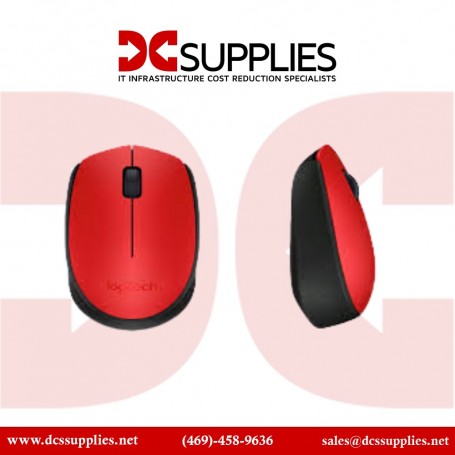
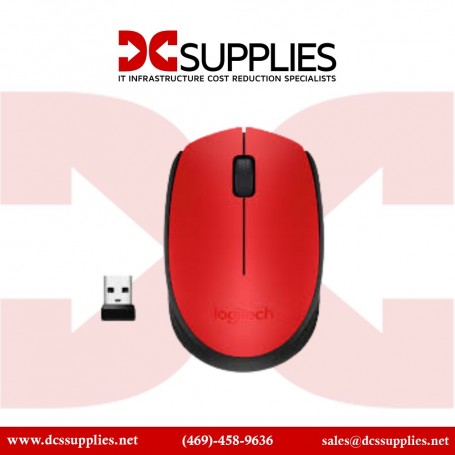
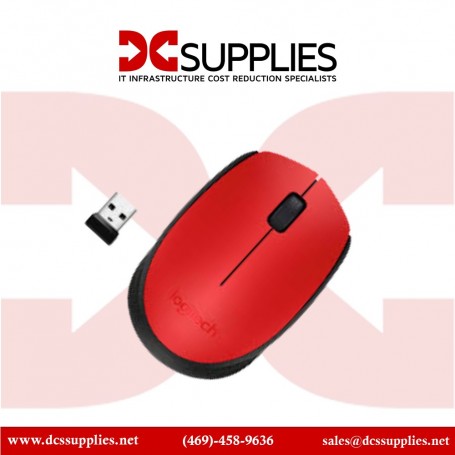
The Logitech M170 Clamshell Mouse in Red is a great option for those who need a no-fuss, portable pointing device. Its compact and lightweight design makes it easy to carry in a bag or a pocket, while the clamshell shape protects the components when you’re on the move. The symmetrical design is comfortable for both right- and left-handed users. The mouse connects via a reliable 2.4 GHz wireless connection with a plug-and-play USB receiver, ensuring a stable link without the hassle of cords.
Features :
The M170 is equipped with a smooth optical sensor that provides accurate cursor control on most surfaces, making it suitable for both professional and casual use. Its eye-catching red color adds a lively and modern touch to your workspace. The mouse is powered by a single AA battery that provides several weeks of use, minimizing the need for frequent battery replacements. With its straightforward setup and dependable performance, the M170 is a practical and stylish choice for everyday computing.
Product Key Features
- Compact, portable design.
- Reliable 2.4 GHz wireless connection.
- Symmetrical shape for ambidextrous use.
- Long-lasting battery life.
Reliability & Performance :
The Logitech M170 Clamshell Mouse is built for reliability. Its 2.4 GHz wireless connection ensures consistent performance, and the optical sensor provides smooth and precise cursor movement. The durable and lightweight design makes it an ideal travel companion, and the extended battery life means it’s always ready when you need it. This combination of performance and practicality makes the M170 a dependable choice for users who need a simple and effective wireless mouse.
Key Features :
- Compact, portable clamshell design.
- Wireless 2.4 GHz connection with USB receiver.
- Symmetrical shape for both left- and right-handed users.
- Optical tracking for smooth cursor control.

Write a Review