
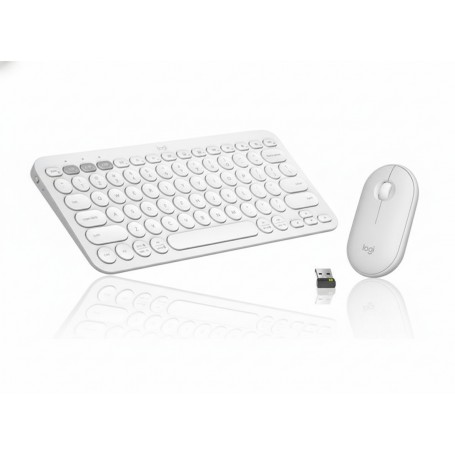
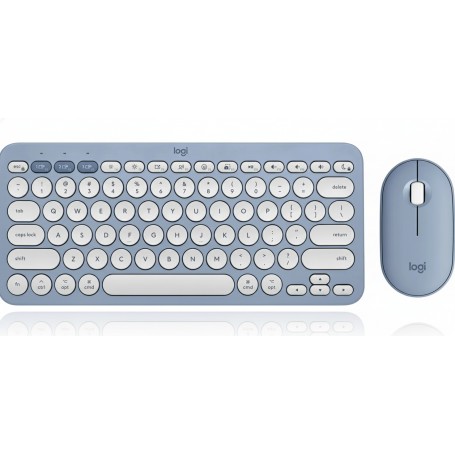


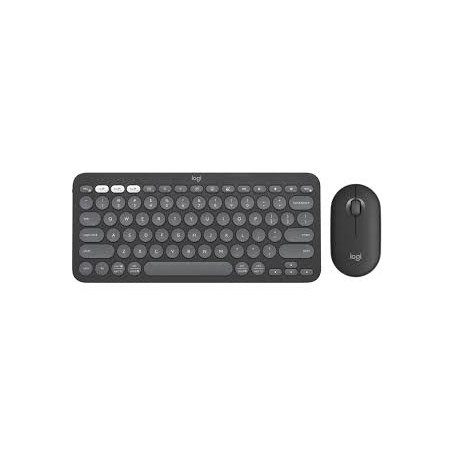
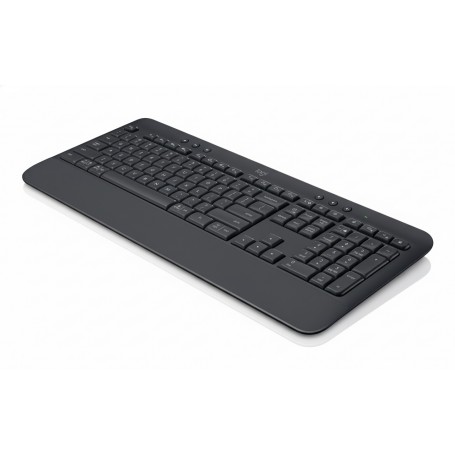
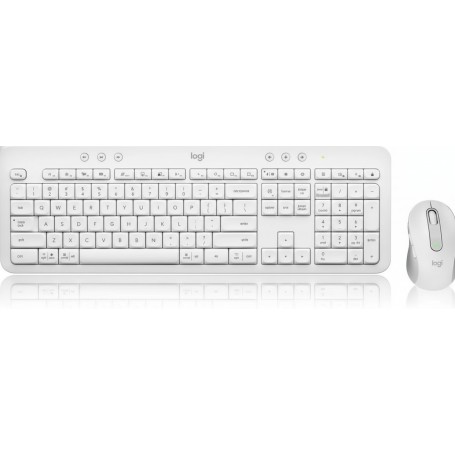
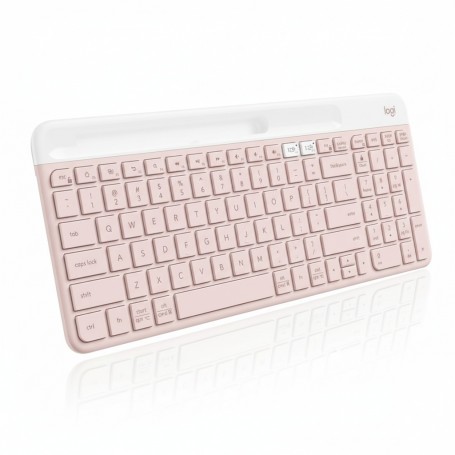
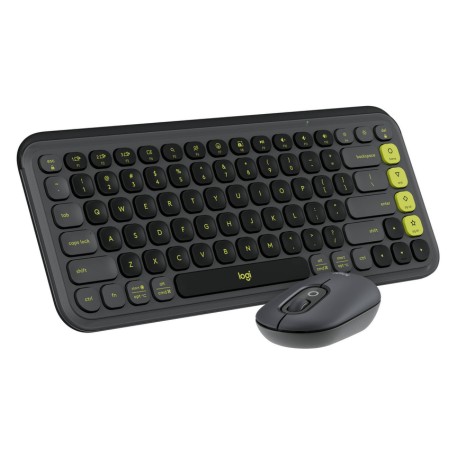
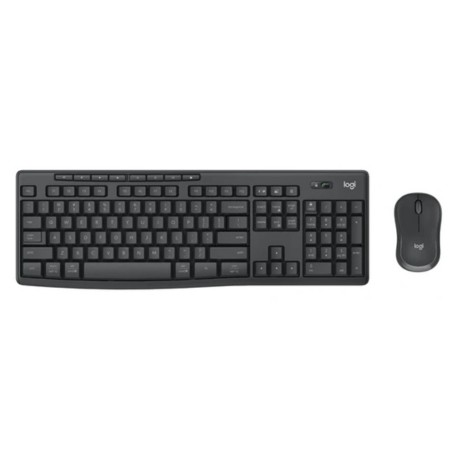
Logitech Pebble 2 Combo
Overview
The Logitech Pebble 2 Combo is a slim, minimalist keyboard and mouse set designed for modern, multi-device workflows. It directly addresses the need for a portable, quiet, and versatile input solution for users who frequently switch between computers, tablets, and smartphones. Its core value lies in offering seamless control over multiple platforms (Windows, macOS, iPadOS, Android) from a single, compact, and aesthetically clean workspace. The combo’s lightweight design and long battery life make it an ideal companion for hybrid work environments, open offices, and users on the go. This keyboard and mouse duo leverages dual-connectivity technology, providing the flexibility to connect via either Bluetooth Low Energy or the included Logi Bolt USB receiver. This ensures broad compatibility and a stable wireless connection with a range of up to 10 meters. The keyboard features scooped, low-profile keys for a comfortable, laptop-like typing experience, while the mouse incorporates Silent Touch technology, which reduces click noise by over 90%. This focus on quiet operation makes the combo particularly suitable for shared or noise-sensitive environments like libraries, lecture halls, and open-plan offices. Engineered for both portability and functionality, the Pebble 2 Combo is easy to transport and set up. The Easy-Switch button allows users to instantly toggle between up to three paired devices, streamlining productivity. Further customization is available through the Logi Options+ software, which allows users to personalize the 10 Fn shortcut keys on the keyboard and the middle button on the mouse. This enables the creation of time-saving macros and shortcuts for frequently used applications, enhancing user efficiency.
Key Features
- Switch between 3 paired devices with Easy-Switch button
- Quiet, low-profile keys for a laptop-like experience
- Silent Touch technology reduces mouse click noise by 90%
- Dual connectivity via Bluetooth LE or Logi Bolt receiver
- Customizable Fn keys and mouse button via Logi Options+
Write a Review